The Token Problem with Claude Code
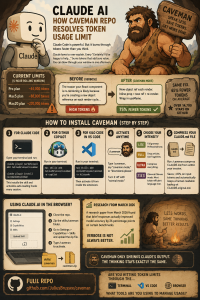
Claude Code runs on a 5-hour rolling window. Once your first message goes out, the clock starts.faros
-
Pro plan: roughly 44,000 tokens per windowfaros
-
Max5 plan: around 88,000 tokens per windowfaros
-
Max20 plan: roughly 220,000 tokens per windowfaros
The catch? Claude loves to explain itself. Every response that starts with “Certainly! I’d be happy to help…” is burning tokens on words that add zero value. If you are doing any serious coding work, you can blow through your window in a single afternoon session.github
Meet Caveman
GitHub user Julius Brussee built a tool called Caveman that solves this in the most unexpected way. The idea: make Claude talk like a caveman. Fewer words. Same accuracy. Way fewer tokens.github
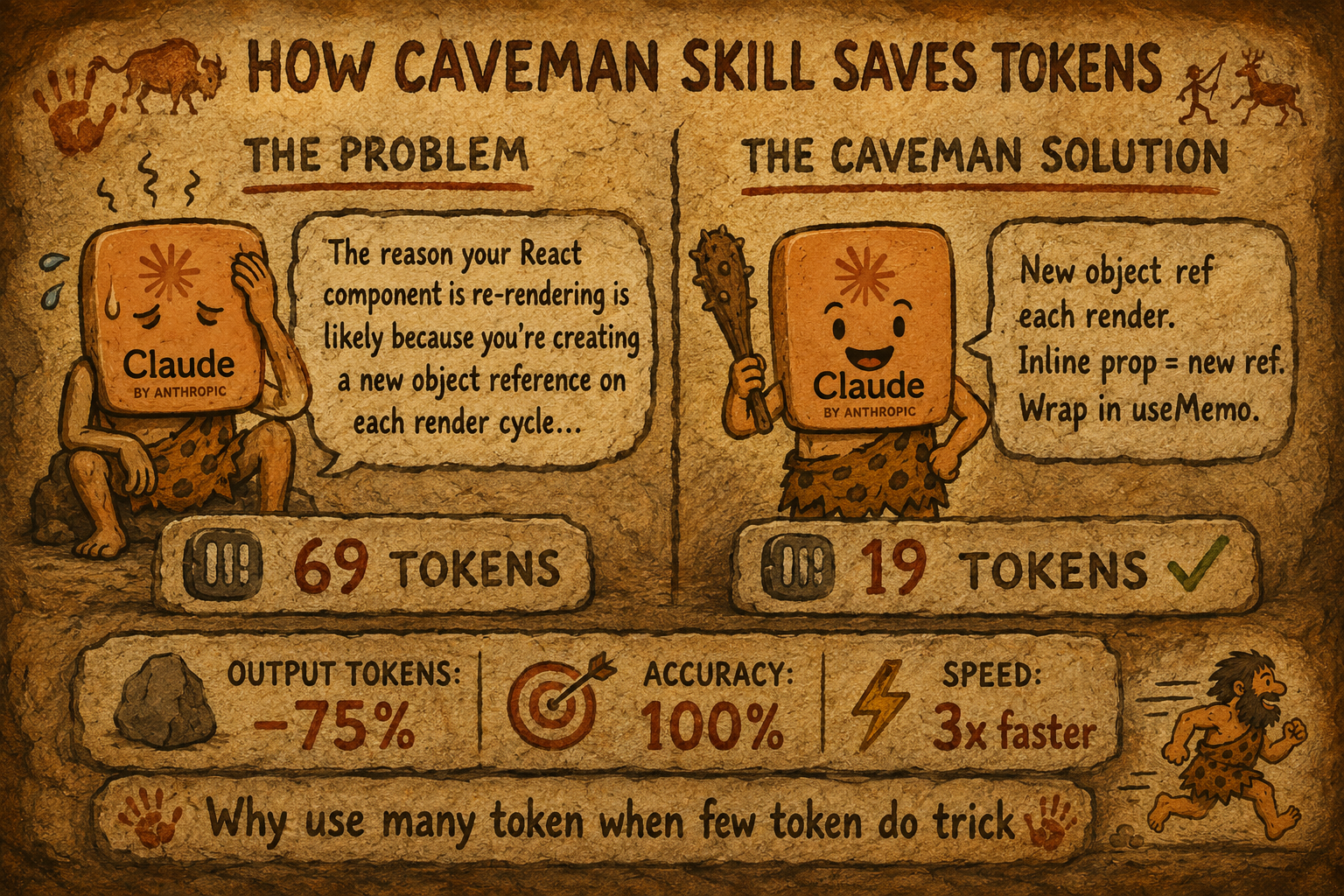
Here is the before and after:github
Without Caveman (69 tokens): “The reason your React component is re-rendering is likely because you’re creating a new object reference on each render cycle. When you pass an inline object as a prop, React’s shallow comparison sees it as a different object every time, which triggers a re-render. I’d recommend using useMemo to memoize the object.”
With Caveman (19 tokens): “New object ref each render. Inline object prop = new ref = re-render. Wrap in useMemo.”
Same fix. 75% fewer tokens. Same technical accuracy. The repo has over 14,700 stars and 666 forks on GitHub.github
Step-by-Step: How to Install and Use Caveman
Step 1: Install for Claude Code (recommended)
Open your terminal and run these two commands:
claude plugin marketplace add JuliusBrussee/caveman

claude plugin install caveman@caveman
This installs the skill and auto-loading hooks. Caveman activates automatically every session.github
Step 2: Install for GitHub Copilot, Cursor, Windsurf, Cline, or Codex
One command covers all agents:github
npx skills add JuliusBrussee/cavemanFor a specific agent, just add the flag. For GitHub Copilot, run:github
npx skills add JuliusBrussee/caveman -a copilotNote: the npx skills method installs the skill only, without the auto-loading hooks. For Claude Code with full hook support, use the plugin install in Step 1 or run bash hooks/install.sh manually.github
Step 3: Install for Kilo Code (VS Code Extension)
Kilo Code is an open-source AI coding agent for VS Code that supports over 500 AI models including Claude Sonnet and Opus. Since it works through the npx skills command like other agents, install Caveman with:marketplace.visualstudio
npx skills add JuliusBrussee/caveman -a kilocodeOnce installed, open Kilo Code in VS Code, start a session, and type /caveman or say “caveman mode” to activate it.github
Step 4: Activate Caveman in Your Session
Trigger it with any of these:github
-
/cavemanin Claude Code or Codex -
“talk like caveman”
-
“caveman mode”
-
“less tokens please”
To turn it off, just say “normal mode” or “stop caveman.”github
Step 5: Pick Your Intensity Level
Caveman has four modes depending on how aggressive you want the compression:producthunt
-
Lite (
/caveman lite): drops filler phrases, keeps full grammar, professional tone -
Full (
/caveman full): default mode, drops articles, uses fragments -
Ultra (
/caveman ultra): maximum compression, telegraphic style, abbreviates everything -
文言文 (Wenyan) (
/caveman wenyan): Classical Chinese compression, the most token-efficient written language ever used by humansgithub
Step 6: Compress Your CLAUDE.md Too (Bonus)
Your CLAUDE.md loads at the start of every session, meaning Claude reads it every single time. Run this to compress it:github
/caveman:compress CLAUDE.mdThis rewrites it in caveman-speak for Claude to process, while keeping a human-readable backup at CLAUDE.original.md. Across tested files, this saves an average of 45% on input tokens too.github
How to Add the Skill via the Web Interface (claude.ai)
If you use claude.ai in your browser rather than Claude Code in the terminal, the process is different. The web interface does not support directory-based skills. It requires a .zip file upload instead.limitededitionjonathan.substack
Here is how to do it:
-
Clone the Caveman repo to your machine:
git clone https://github.com/JuliusBrussee/cavemangithub -
Navigate into the
skills/cavemanfolder inside the cloned repogithub -
Zip that folder:
zip -r caveman-skill.zip caveman/limitededitionjonathan.substack -
Go to claude.ai in your browserlimitededitionjonathan.substack
-
Click Settings, then go to Capabilities, then Skillslimitededitionjonathan.substack
-
Click “Upload skill” and select your
caveman-skill.zipfilelimitededitionjonathan.substack -
Once uploaded, open a new chat and type
/cavemanor “caveman mode” to activate itgithub
One important thing to know: each user on claude.ai must upload the skill to their own account individually. There is no automatic distribution through the web interface.limitededitionjonathan.substack
The Numbers Are Real
Across benchmarks run directly against the Claude API, Caveman saves between 22% and 87% of output tokens depending on the task, with an average of 65% saved.github
A March 2026 research paper found that constraining large models to brief responses actually improved accuracy by 26 percentage points on certain benchmarks. Verbose is not always better.producthunt
One key thing to remember: Caveman only affects output tokens. Thinking and reasoning tokens are not touched. It makes Claude’s mouth smaller, not its brain.github
If you are hitting Claude Code limits regularly, this is one of the simplest fixes available right now. One install. Works across sessions, across tools, and across agents.
Are you using Claude Code through the terminal, VS Code extensions like Kilo Code, or the web interface? And have you tried any other methods to cut down on token usage?