
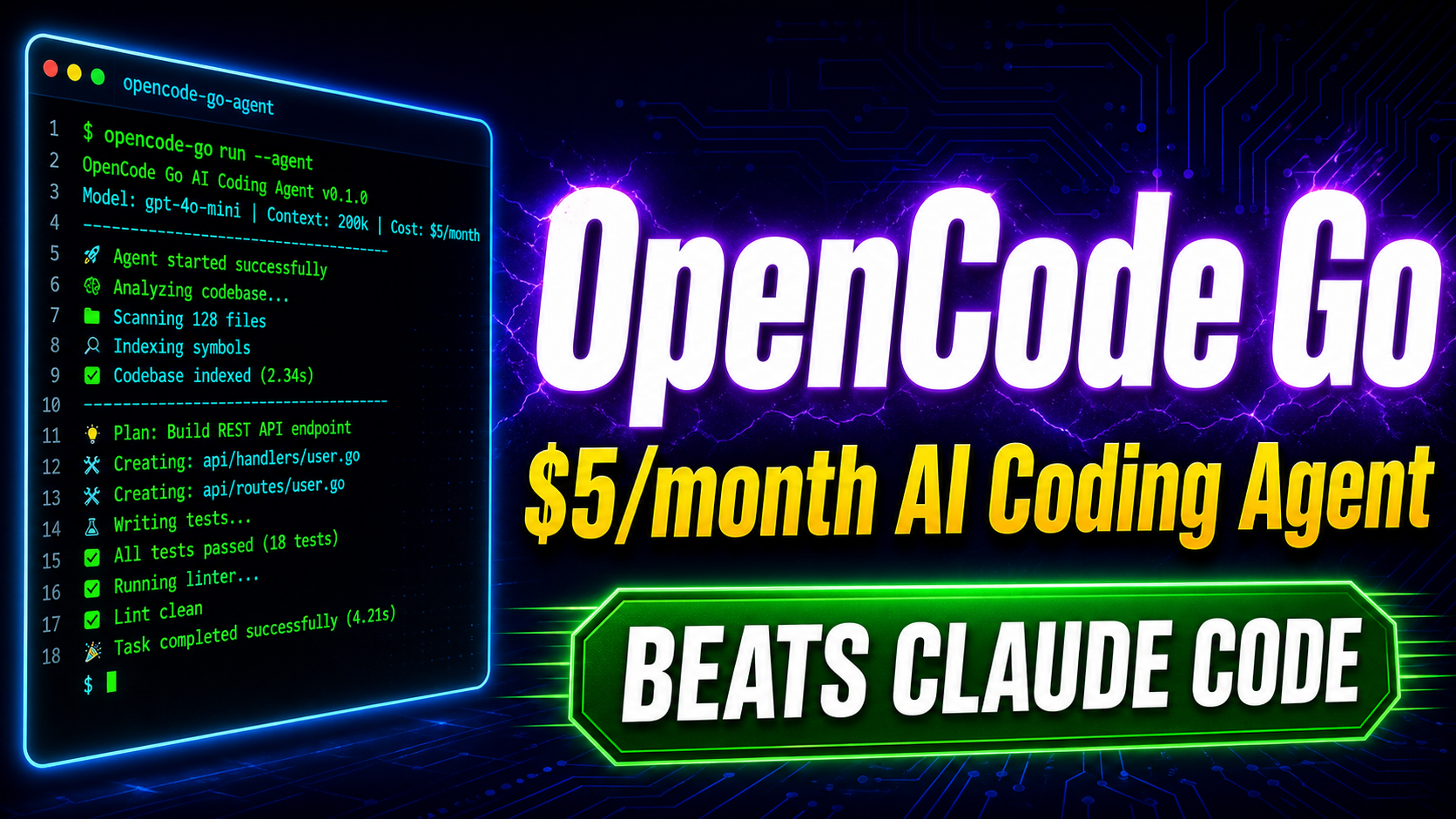
Are you tired of paying $20, $100, or even $200 a month just to get AI help while you code?
OpenCode Go changes that completely. It is a low-cost subscription plan built into OpenCode, one of the most popular open-source AI coding agents available today. With over 7.5 million developers using OpenCode every month, this tool has become one of the go-to coding assistants for anyone who wants AI directly inside their terminal, IDE, or desktop.
In this post, you will learn exactly what OpenCode Go is, how to set it up, what you get for the price, and how to use it to write better code faster.
What Is OpenCode?
OpenCode is an open-source AI coding agent built on Go. It runs directly inside your terminal, works as a desktop app, and has extensions for popular IDEs like VS Code. The project lives on GitHub under the SST organization and has earned over 160,000 GitHub stars, with more than 900 contributors and 13,000+ commits.
What makes OpenCode different from tools like GitHub Copilot or Cursor is simple: you are fully in control. You pick the model, you pick the provider, and you only pay for what you actually use. No locked-in subscriptions, no forced proprietary models.
OpenCode supports 75+ LLM providers, including Claude, GPT, Gemini, Groq, AWS Bedrock, Azure OpenAI, and even local models through Ollama. It also has a beautiful terminal interface built with the Bubble Tea Go library, which feels native and fast.
What Is OpenCode Go?
OpenCode Go is a subscription plan offered by OpenCode that gives you access to a curated set of powerful AI models at a very low price.
Here is what you get:
- First month costs just $5
- Then $10 per month after that
- Access to top open-source models including DeepSeek, Kimi, Qwen, GLM, MiniMax, MiMo, and more
- No API keys needed. Just subscribe and start coding
- Works with both the OpenCode terminal and the desktop app
If you compare this to Claude Code ($20/month), Cursor Pro ($20/month), or GitHub Copilot ($10/month with limited models), OpenCode Go is easily one of the best value options available right now.
Start Your First Month for $5 with OpenCode Go
Bonus tip: Using the referral link above gives both you and the referrer a bonus $5 in usage credits.
OpenCode Go vs Other AI Coding Tools
| Tool | Monthly Cost | Model Access | Open Source | Terminal Support |
|---|---|---|---|---|
| OpenCode Go | $5 first month, then $10 | 5+ models | Yes | Yes (native TUI) |
| Claude Code | $20 | Claude only | No | Yes |
| GitHub Copilot | $10 | GPT-based | No | Limited |
| Cursor Pro | $20 | Multiple | No | No |
| Windsurf | $15 | Multiple | No | No |
OpenCode Go wins on price, model variety, and open-source transparency. It is the only option that gives you full control while keeping costs low.
Key Features of OpenCode
Before diving into Go specifically, here is what the full OpenCode platform offers.
Terminal-First Design
OpenCode runs natively in your terminal. The interface is built with Bubble Tea, a Go-based TUI framework, so it feels smooth and fast without being a bloated Electron app. You get syntax highlighting, vim-like keybindings, and a clean layout that developers actually enjoy using.
LSP Integration
OpenCode automatically detects and loads the Language Server Protocol (LSP) for your project. This means the AI understands your codebase at a deeper level. It knows your types, function signatures, and imports, which makes its suggestions far more accurate than a plain chat interface.
Multi-Session Support
You can run multiple AI agents in parallel on the same project. This is a huge productivity boost when you need to tackle several tasks at once without losing your conversation context. Unlike Claude Code, where accidentally closing your window means losing everything, OpenCode saves all your sessions automatically.
Plan Mode and Build Mode
OpenCode has two distinct modes:
- Plan mode lets the AI suggest how it will implement something, without touching any files
- Build mode lets the AI actually write the code, modify files, and run commands
You switch between them with the Tab key. This two-step workflow helps you catch mistakes before the AI makes changes you did not want.
Undo and Redo
Made a mistake? Type /undo and OpenCode reverts the changes. Change your mind again? Use /redo. This is not common in most AI coding tools and it makes OpenCode much safer to use on real projects.
Shareable Sessions
You can share any conversation session as a link. This is useful for debugging with your team, reviewing what the AI suggested, or just documenting a solution for future reference.
MCP Protocol Support
OpenCode supports the Model Context Protocol (MCP), which lets you extend the tool with external services and data sources. You can plug in browser automation, databases, custom APIs, and more.
AGENTS.md Memory File
When you run /init inside a project, OpenCode scans your codebase and creates an AGENTS.md file. This file acts like a memory for the AI. It records your tech stack, coding patterns, and project structure so the AI has context every time you start a new session.
How to Install OpenCode
Getting started is straightforward. Here are the most common install methods.
Using npm:
npm install -g opencode-aiUsing Homebrew (macOS and Linux):
brew install sst/tap/opencodeUsing the install script:
curl -fsSL https://opencode.ai/install | bashOn Windows using Chocolatey:
choco install opencodeOnce installed, run opencode in any project directory to launch the terminal interface.
How to Set Up OpenCode Go
Setting up OpenCode Go takes less than five minutes. Follow these steps:
- Install OpenCode using any of the methods above
- Open the TUI by running
opencodein your terminal - Run the
/connectcommand inside the interface - Select OpenCode as your provider
- Visit opencode.ai/go to sign up and add your balance
- Copy your API key from the dashboard and paste it back into the TUI
- Start coding with access to all OpenCode Go models
That is all it takes. No complex setup, no juggling multiple API keys, and no worrying about which model works best for coding. The OpenCode team has already done that testing for you.
What Is OpenCode Zen?
OpenCode Zen is the premium model tier within the OpenCode ecosystem, and it is closely connected to OpenCode Go.
Zen is a curated collection of AI models that the OpenCode team has personally tested and benchmarked for coding agent use. Rather than giving you raw access to every model on every provider with unpredictable quality, Zen handles the curation for you.
Here is how it works:
- You add a pay-as-you-go balance starting at $20
- You use models at transparent, zero-markup pricing
- When your balance drops below $5, it auto-tops up by $20
- All models run in the US with zero-retention policies (your code is never used for training)
OpenCode Go is essentially your subscription gateway into the Zen ecosystem.
Real-World Use Cases for OpenCode Go
Here are some practical ways developers are using OpenCode Go every day.
Debugging Complex Backend Code
Paste an error, describe the context, and let OpenCode trace through your codebase to find the root cause. Because of its LSP integration, it understands type errors, missing imports, and function mismatches without you having to explain everything.
Refactoring Old Codebases
Got a legacy Python or JavaScript project that needs cleanup? Ask OpenCode to refactor a module, improve naming conventions, or convert callbacks to async/await. Use Plan mode first to review the approach before Build mode makes the changes.
Writing Tests
Ask OpenCode to generate unit tests for a specific function or an entire file. It reads the actual implementation, understands the edge cases, and writes tests that are relevant to your real code.
Building Features Step by Step
Describe a feature in plain English. OpenCode creates a plan, you review it, and then it builds it. This workflow works well for full-stack developers who want to move fast without losing quality.
DevOps and Infrastructure Tasks
OpenCode works great for writing Dockerfiles, nginx configs, GitHub Actions workflows, and shell scripts. Describe what you need and it generates the right configuration with your specific setup in mind.
Learning New Frameworks
If you are picking up a new framework or language, OpenCode is like having a senior developer sitting next to you. Ask it to explain any part of the codebase, walk through a pattern, or show you the idiomatic way to do something.
Why OpenCode Go Makes Financial Sense
Let us be direct about the math.
Most AI coding tools charge between $10 and $200 per month. Claude Code at $20/month only gives you access to Claude models. Cursor at $20/month adds a proprietary editor layer on top. Neither of them is open source, so you are betting on a company to stick around.
OpenCode Go costs $10/month after the first month. You get access to some of the strongest open-source models available, including DeepSeek R1, Kimi K2, and the Qwen series, all tested for coding agent performance.
Because OpenCode itself is open source with 160,000 GitHub stars and a massive community, it is not going anywhere.
Try OpenCode Go for $5 Your First Month
Tips for Getting the Most Out of OpenCode
- Always run
/initfirst in a new project so OpenCode builds its context file - Use Plan mode before Build mode on anything complex or risky
- Use the
/undocommand freely, it is safe to experiment - Share session links with teammates when reviewing AI-generated code
- Add custom commands for repetitive prompts like code review or test generation
- Try MCP integrations if you want to connect OpenCode to your databases, browsers, or external APIs
- Use non-interactive mode for scripting and automation pipelines with the
-pflag
Frequently Asked Questions
Is OpenCode free?
OpenCode the software is completely free and open source. To use premium AI models, you need API keys from providers or a subscription like OpenCode Go.
What models does OpenCode Go include?
OpenCode Go gives access to models through the Zen platform, including DeepSeek, Kimi K2, Qwen, GLM, MiniMax, MiMo, and others benchmarked specifically for coding tasks.
Does OpenCode store my code?
No. OpenCode does not store your code or context data. This makes it suitable for private and enterprise codebases.
Can I use OpenCode in VS Code?
Yes. There is a VS Code extension available in the marketplace. There is also a desktop app if you prefer a GUI over the terminal.
Is OpenCode Go worth it for beginners?
Absolutely. OpenCode Go removes all the complexity of managing API keys and choosing models. You just subscribe, connect, and start asking questions about your code.
What is the difference between OpenCode Go and OpenCode Zen?
Zen is the curated model marketplace. Go is the subscription plan that connects you to Zen models at a flat monthly rate.
Get Started Today
OpenCode is one of the most capable and transparent AI coding agents available in 2026. It is open source, model-agnostic, terminal-native, and actively developed by a large community. OpenCode Go makes it even more accessible by wrapping the best models into a single affordable plan.
Whether you are a backend engineer debugging complex systems, a full-stack developer building new features, or a DevOps engineer automating infrastructure, OpenCode fits directly into your workflow without forcing you to change how you work.
At $5 for the first month, there is very little reason not to try it.
Get Started with OpenCode Go and Claim Your $5 Bonus Credits
Did this guide help you? Share it with a developer friend who is still overpaying for AI tools. Drop your questions in the comments below.